Preferences
Open Preferences from the main menu or with Ctrl+,. The window has a list of sections on the left and the settings of the chosen section on the right.
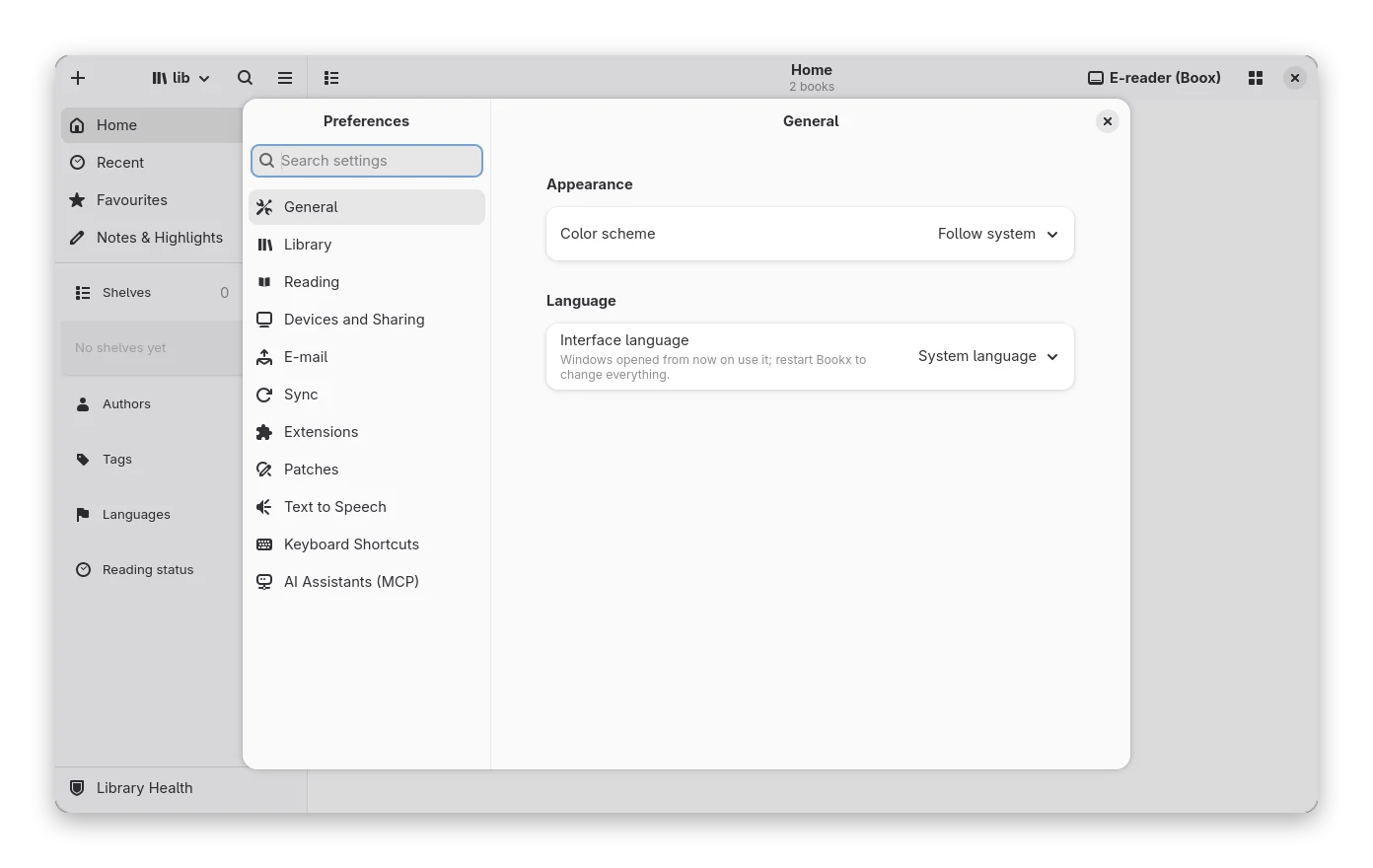
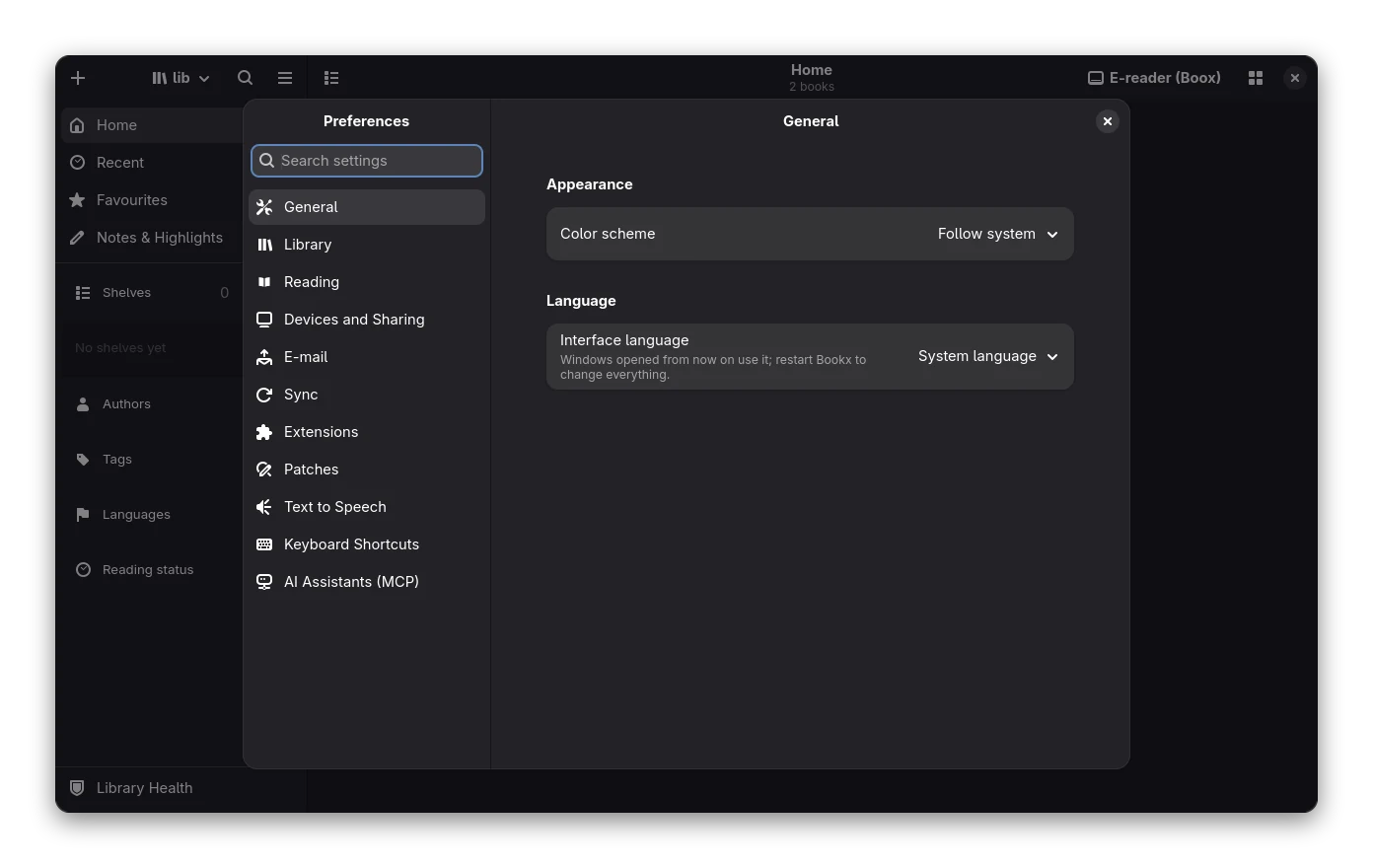
| Section | What it holds |
|---|---|
| General | Colour scheme and the interface language |
| Library | Where the books are kept, the Continue reading banner (Adaptive, Large, Compact or Hidden; see the library), library health, backups of the catalogue and metadata lookup (fetch for new books, the source cache) |
| Reading | Reader defaults: theme, layout, font size, justification, hyphenation, e-ink mode, tap zones, touch controls, footnote popups, the statistics in the footer (items, order, preset, position) |
| Devices and Sharing | What happens when an e-reader is connected, sending notes with books, sharing the library |
| Mail server and addresses for Send by E-mail | |
| Sync | Reading position sync with KOReader (KOSync) |
| Extensions | Plugins and the transforms they add to conversions |
| Patches | Small rule files that fix books when they are imported or opened |
| AI Assistants (MCP) | The server that lets AI assistants search and read the library: switch, port, access token, whether they may change the library, ready-made settings for Claude, Cursor and opencode |
| Keyboard Shortcuts | Every action with its keys: change, reset, export and import them |
Other features add their own sections or rows here when they are available, for example backup. Text to Speech holds the voice engine, speed, model downloads and the voice server: see Read aloud.
Language
General → Language sets the language of the interface: System language (the default, taken from LANGUAGE,
LC_ALL, LC_MESSAGES or LANG), English, Español, Deutsch, Français or हिन्दी. Windows you open after changing it
use the new language; restart Bookx to change everything (menus and the main window are built at start-up). Text that
is not translated yet stays in English, and French and Hindi are starting files with the most visible text only.
Numbers, counts ("1 book", "3 books") and dates follow the language. Right-to-left languages mirror the window.
Want another language or a better translation? See Translating Bookx.
Searching
Type in the search entry above the list (or press Ctrl+F anywhere in Preferences). Every section is searched at once: by the name of a setting, its description, the name of its group and the name of its section. The list then shows only the sections that have a match, the first one opens and the matching settings are highlighted. Several words must all match. Esc clears the search; a second Esc closes Preferences.
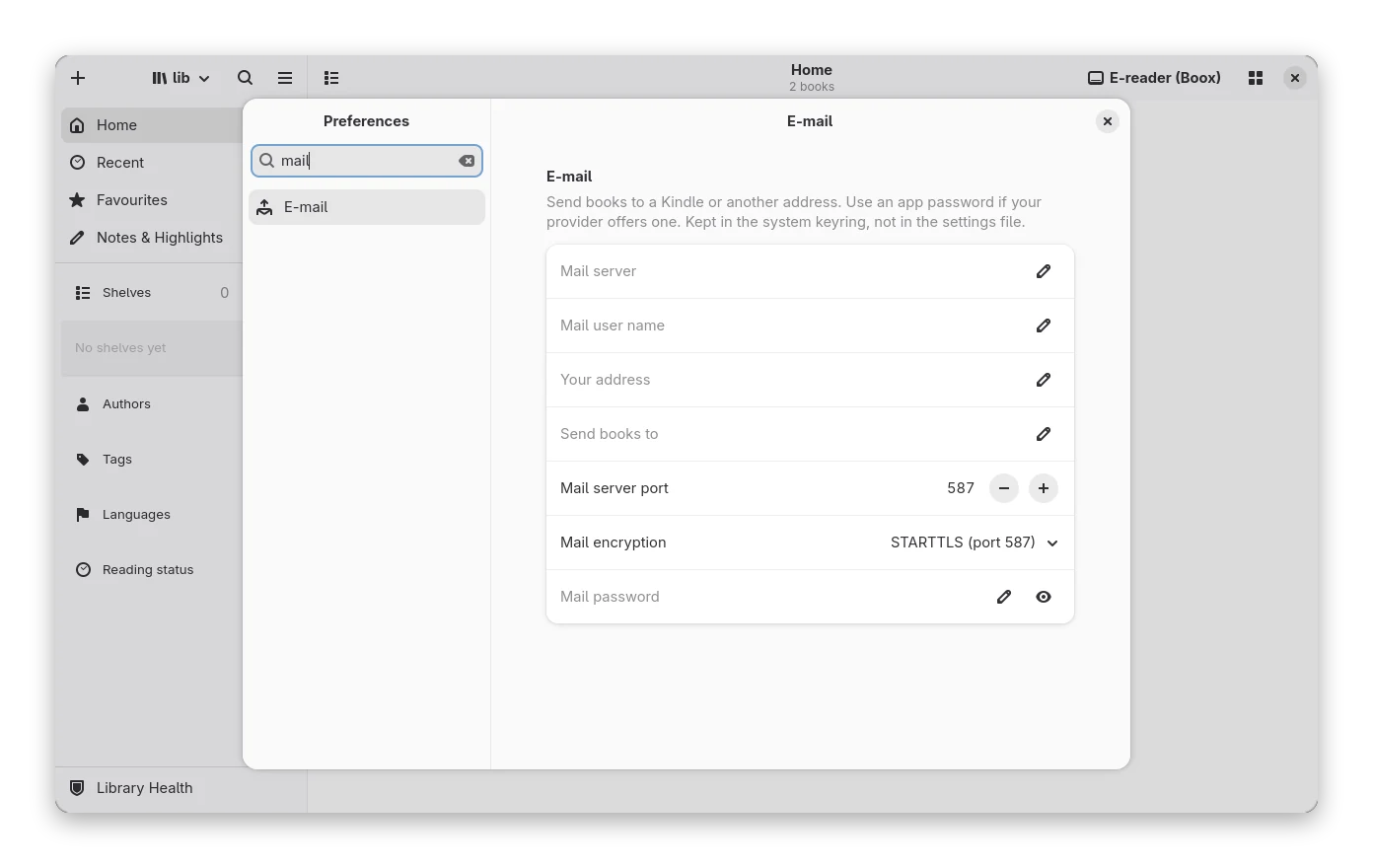
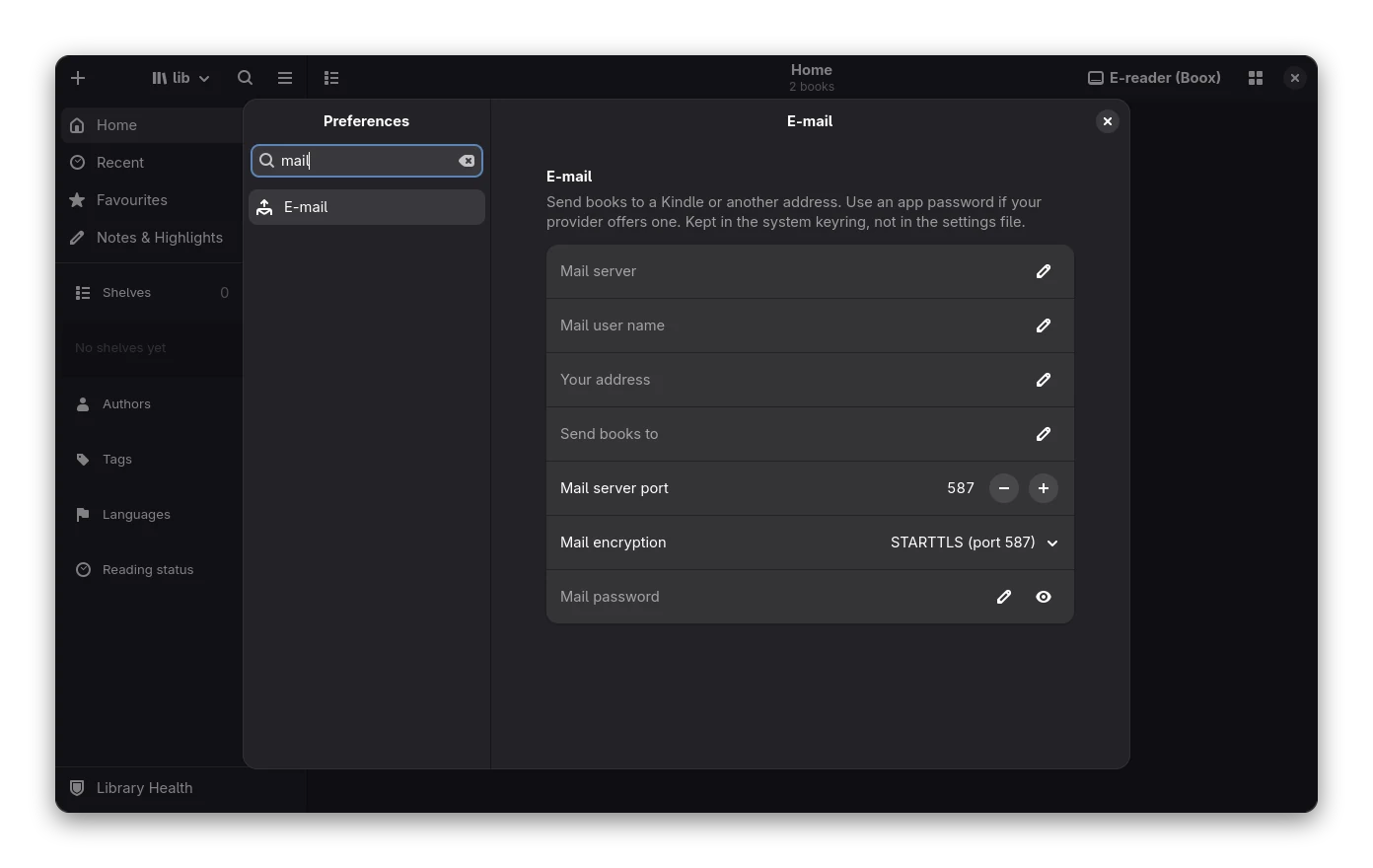
You can also use the command palette (Ctrl+K): choosing a setting there opens Preferences on that setting.
Keyboard and small windows
- Tab moves between the search entry, the list of sections and the settings; Up and Down move through the sections, which open as you move.
- In a narrow window the list of sections becomes an overlay. The button at the top left of the settings (or Ctrl+F) shows it; choosing a section hides it again.
- Every control has a name for screen readers; see Accessibility.