Your books, at home on GNOME
Bookx is a free e-book library, reader and editor. A native GTK 4 and libadwaita app, written in Rust. Your books stay on your computer.
Free software, GPL-3.0-or-later. Needs GNOME 49 or newer. Build from source; a Flatpak manifest is included.
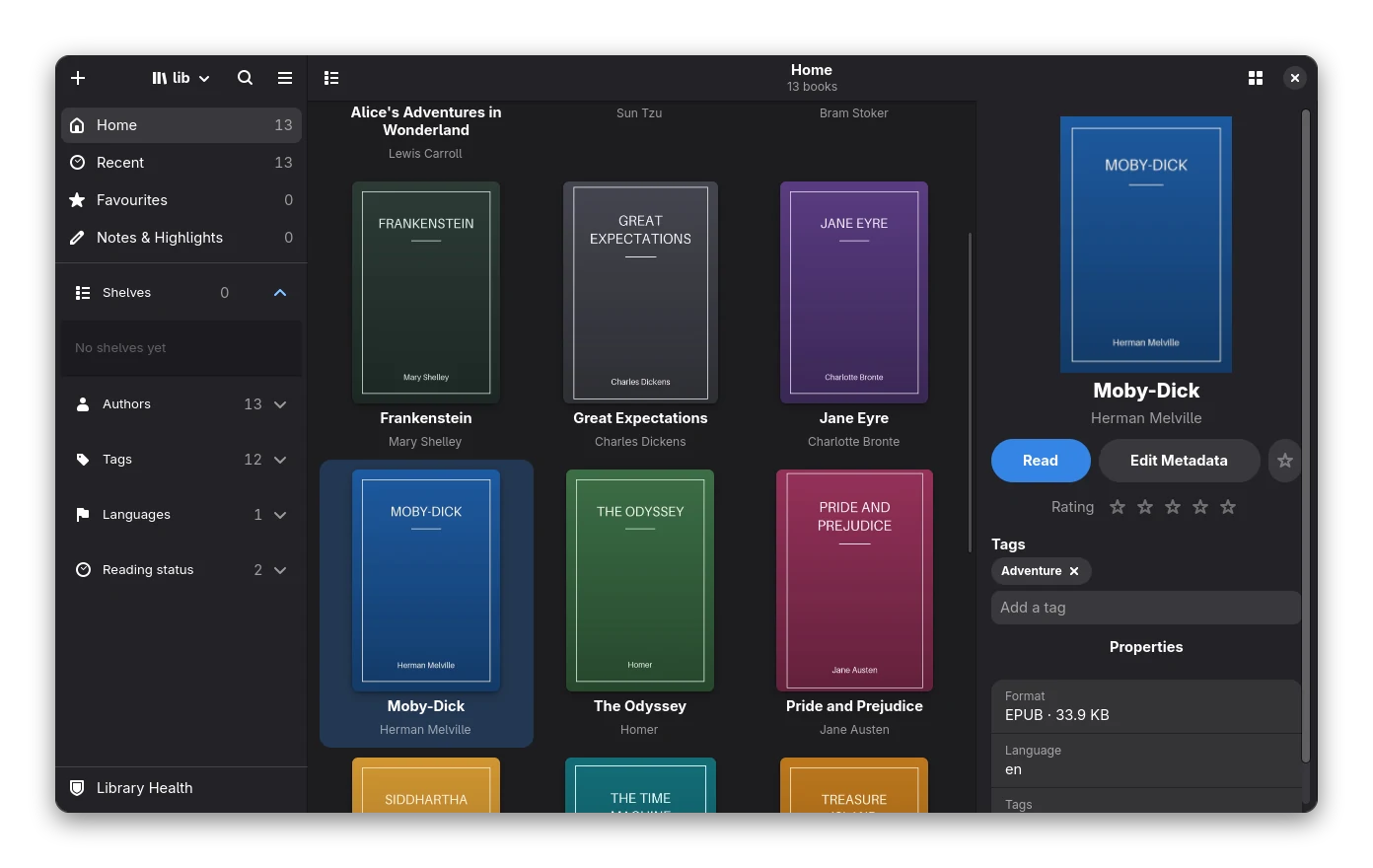
Library
A library that stays out of your way
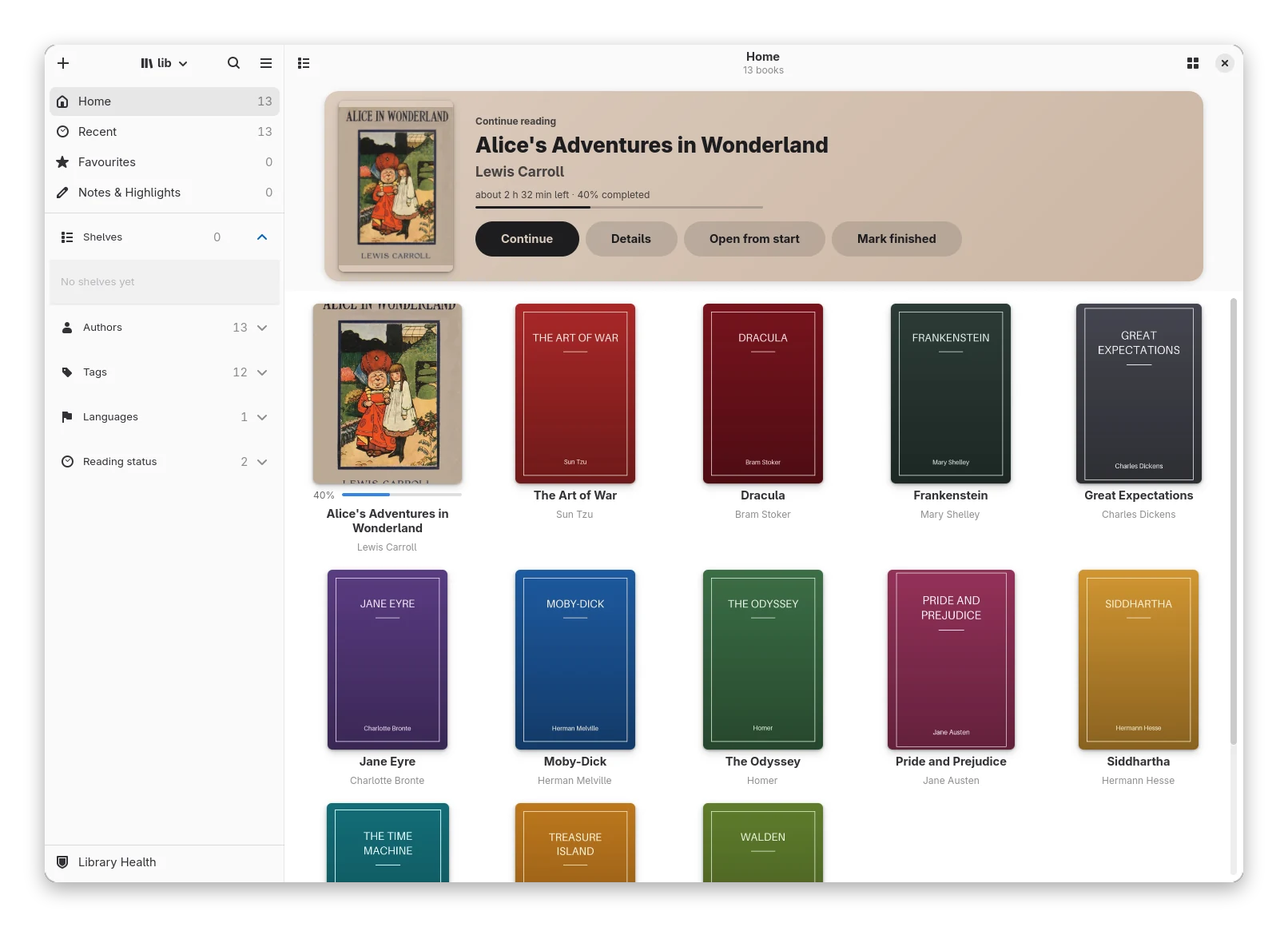
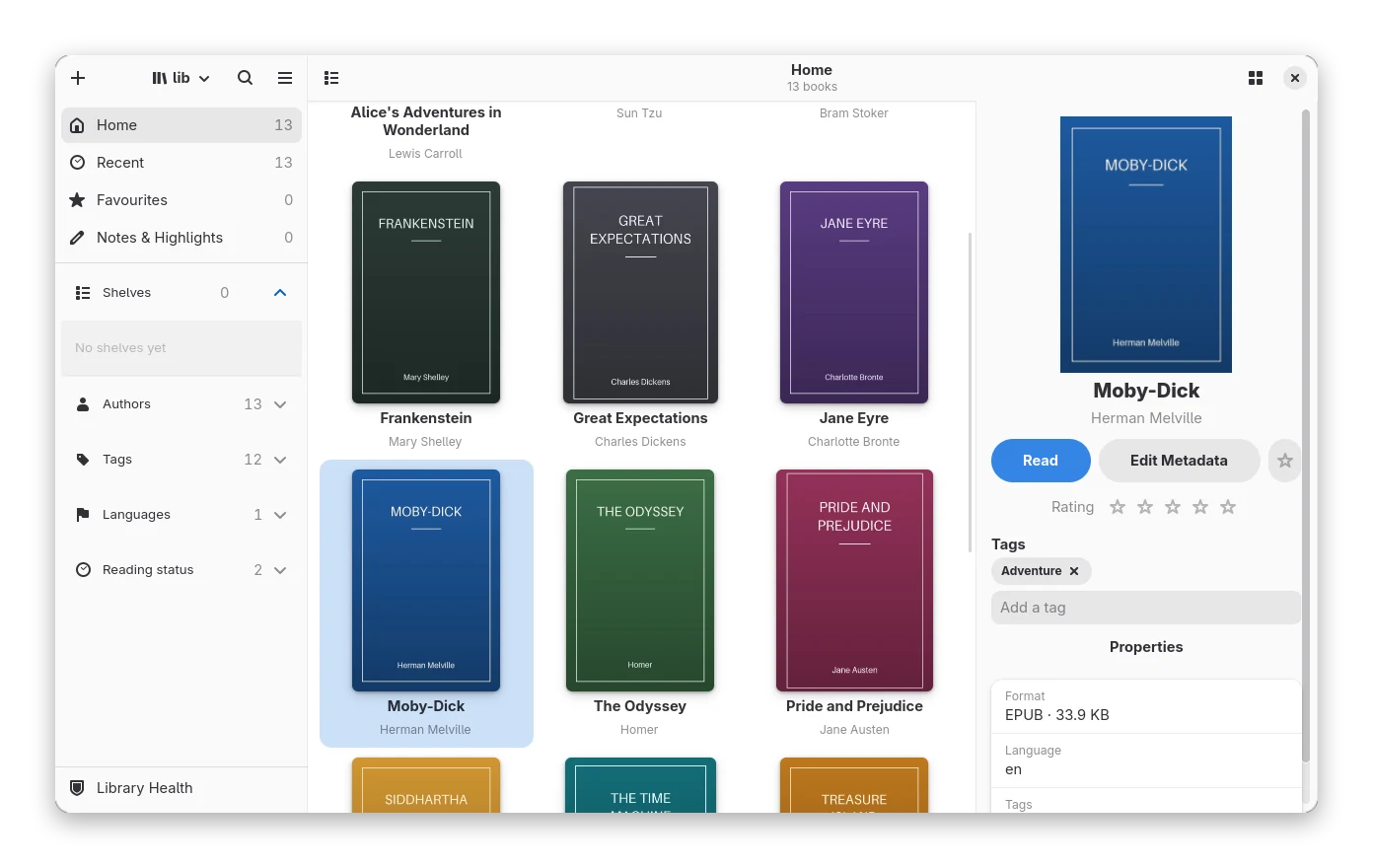
Covers, progress and a Continue Reading card, and nothing else until you ask for it. Search with the Calibre
syntax, including text:"words inside the book". Group books with shelves, tags and saved searches. Backups, a trash and
undo come with the library, and a Calibre library can be imported.
Reader
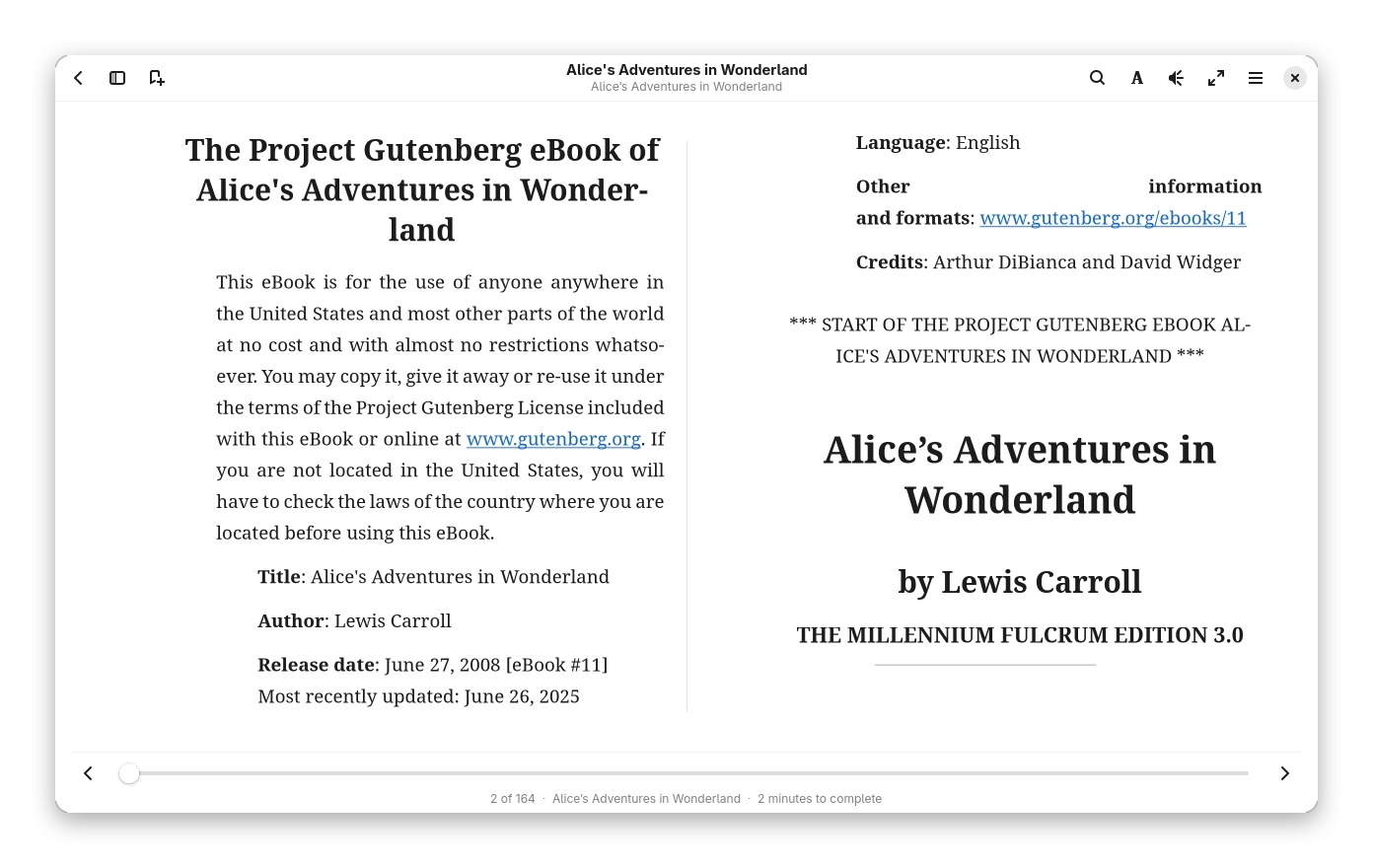
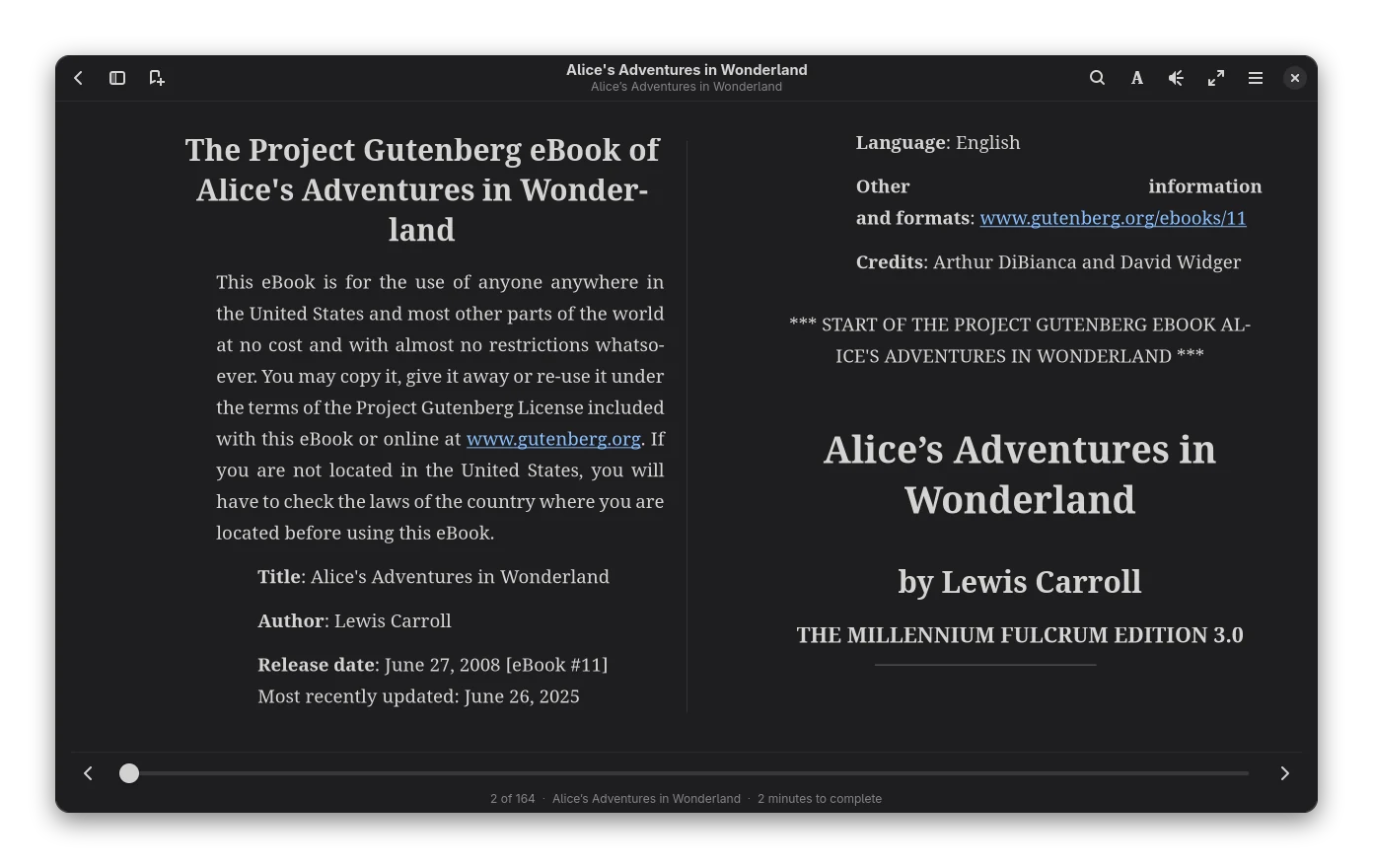
Pages made for reading
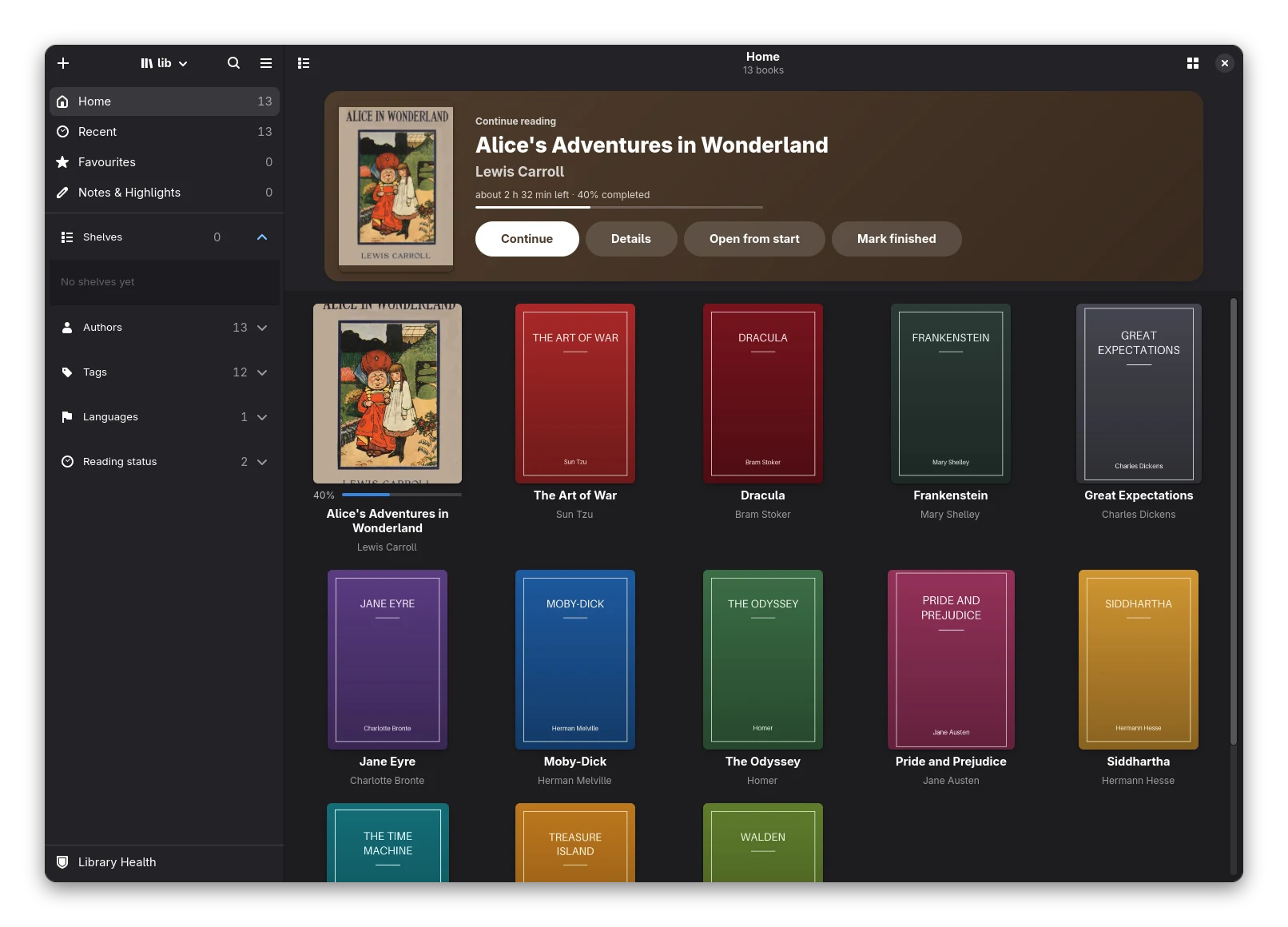
Bookx lays out the text itself: real pages in one or two columns, hyphenation, TeX-style line breaking, footnotes, vertical Japanese and right-to-left text. Themes follow your system style, with sepia and black on top. The book map shows where your highlights and bookmarks are.
Editor
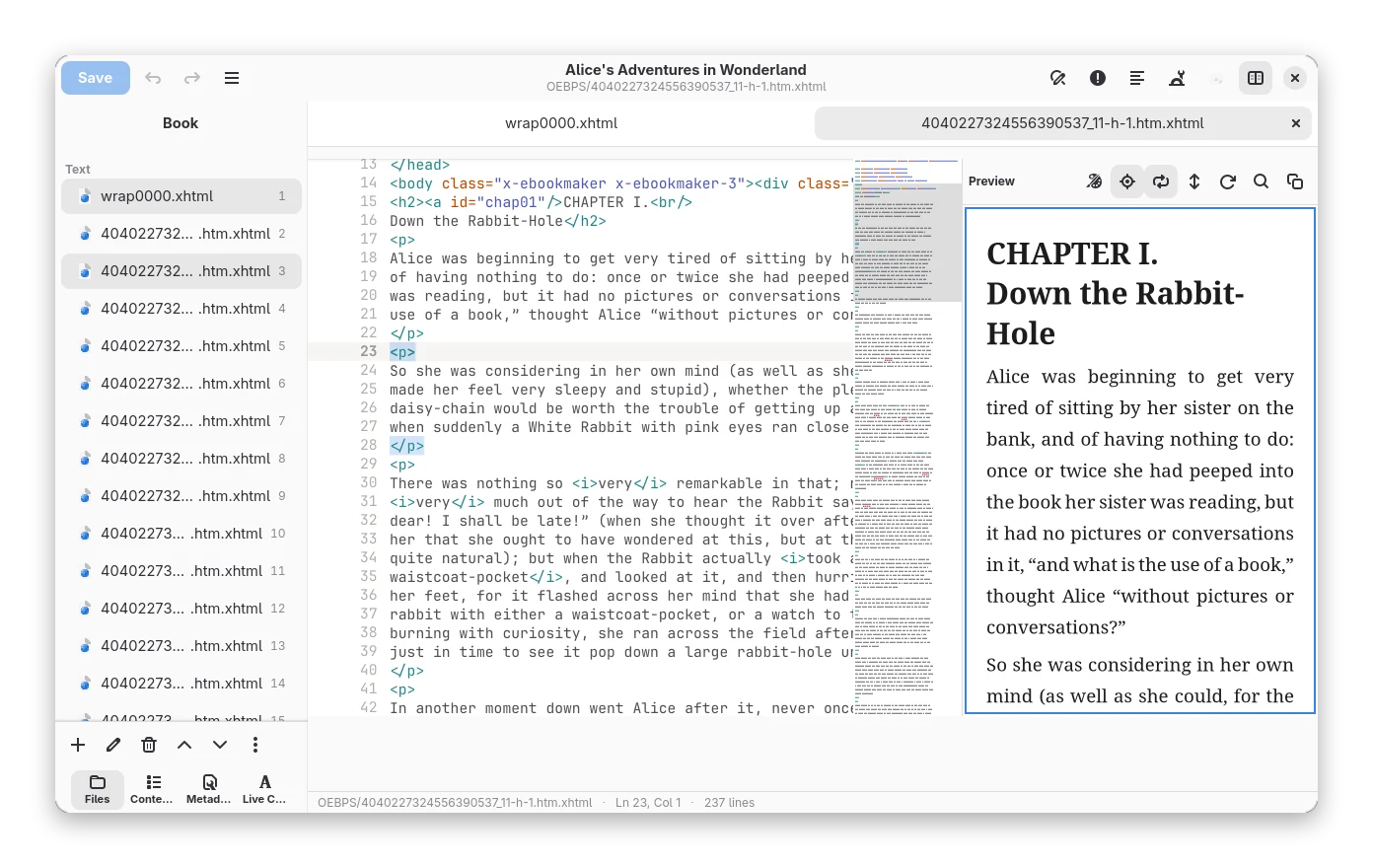
Fix the book, not just read it
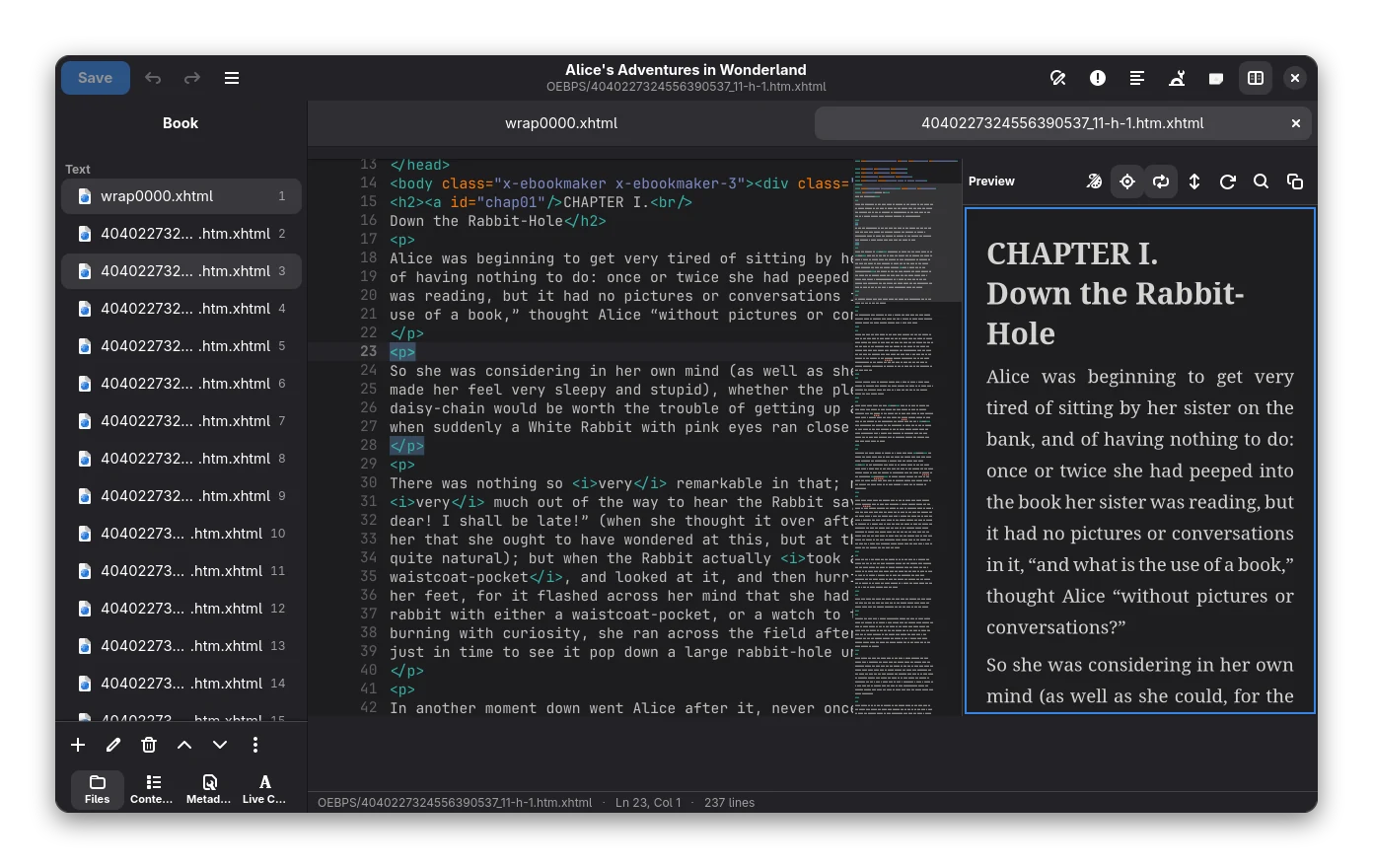
A built-in EPUB editor with a code view, a live preview drawn by the same engine as the reader, find and replace with regular expressions, a contents editor and a book checker. Every tool takes a checkpoint first, so you can go back.
Read aloud
Let it read to you
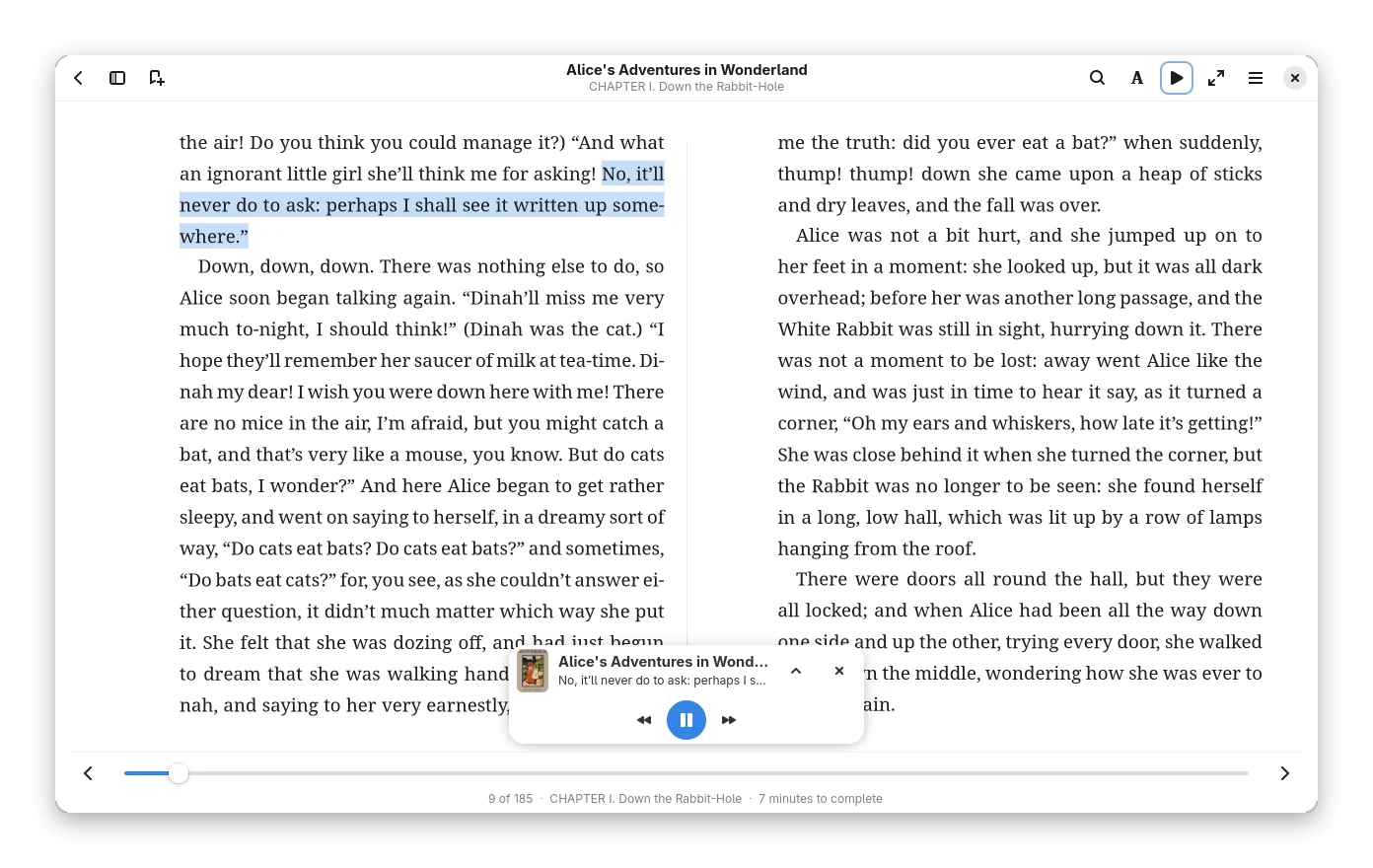
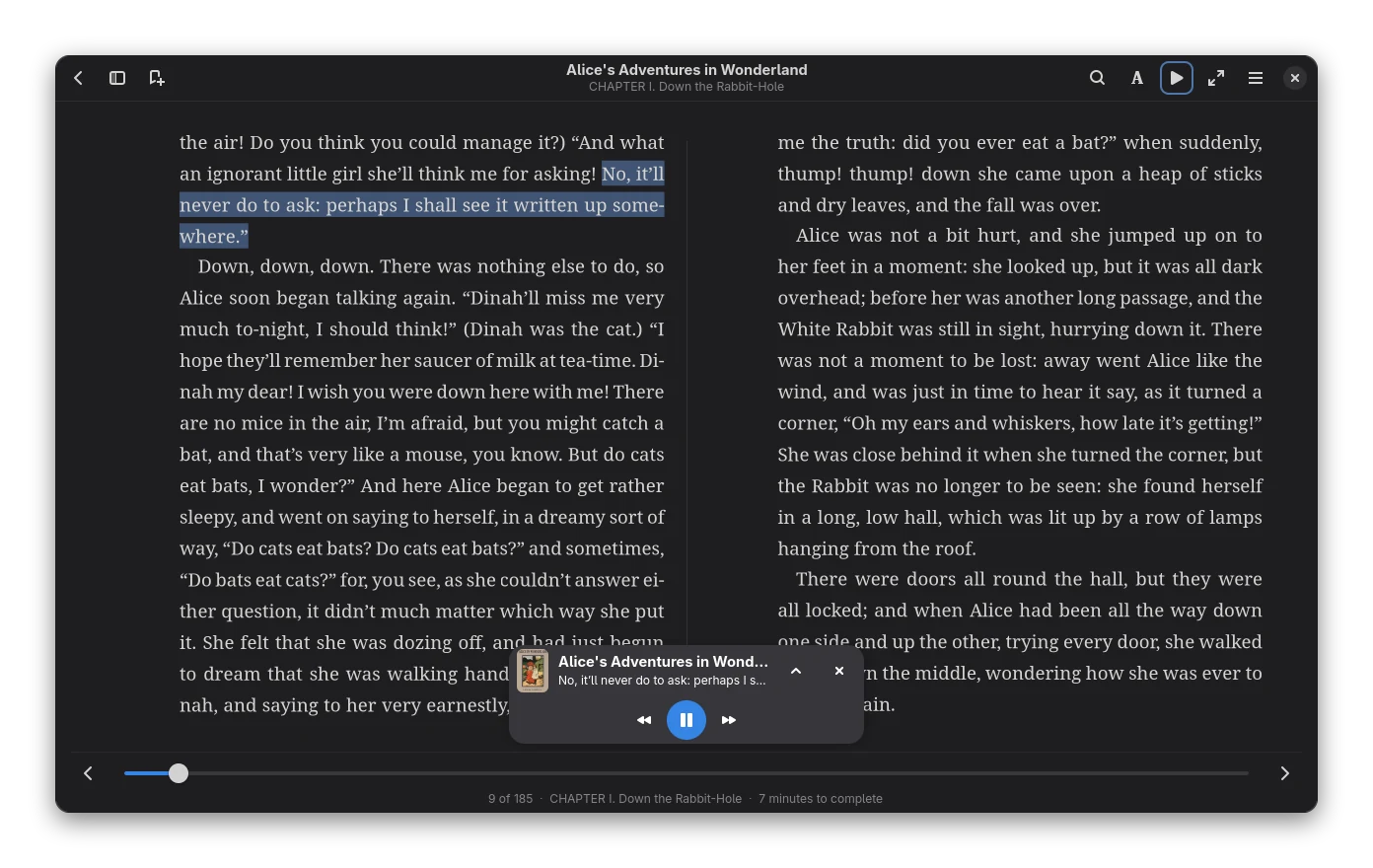
Bookx reads sentence by sentence and highlights the sentence being spoken. The natural voices run on your computer after a one-time download; you can also point it at a voice server of your own.
Annotations
Highlights and notes you can take with you
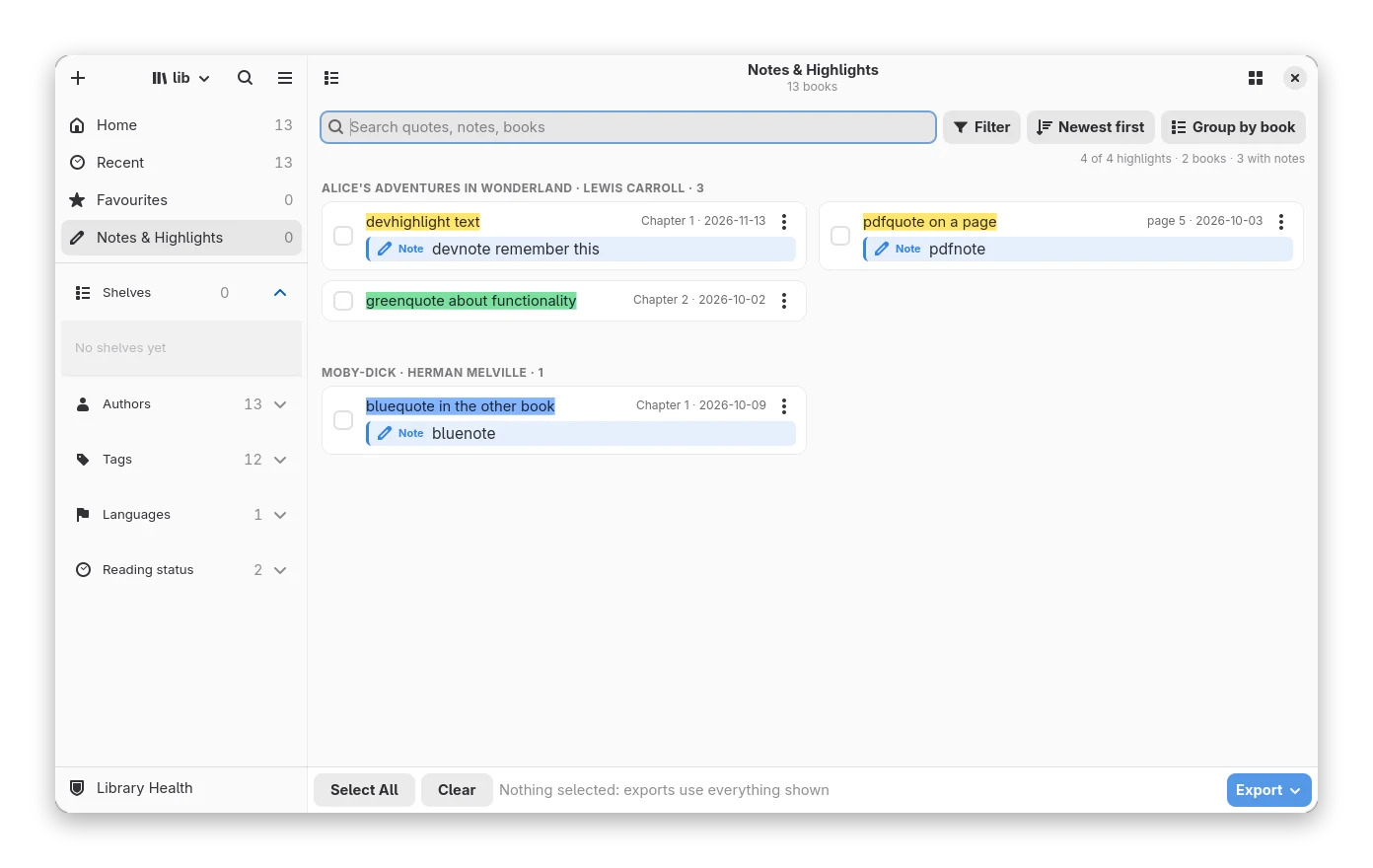
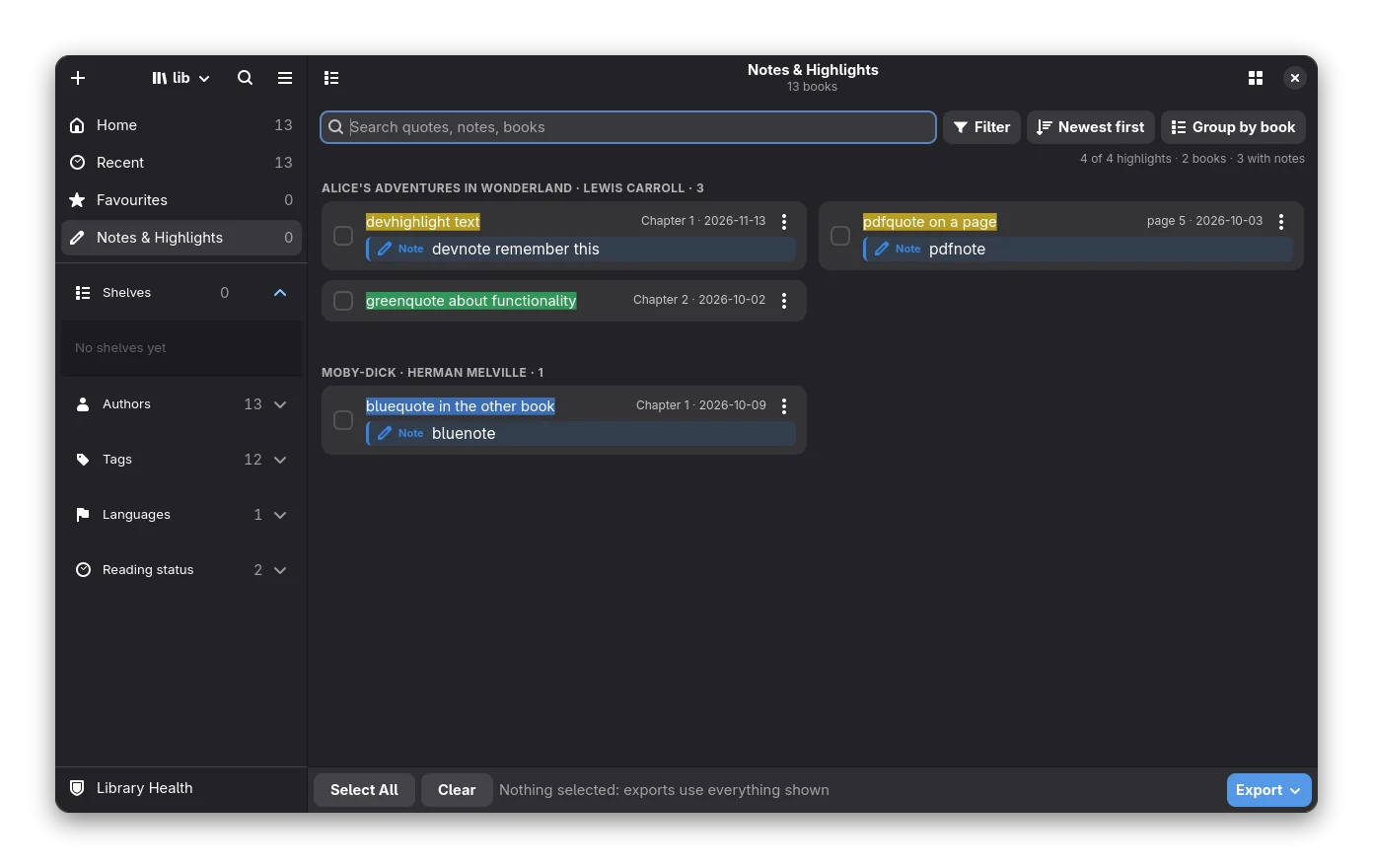
Five colours, four styles, notes and bookmarks. See everything you marked across the library in one view, export it as Markdown, text or JSON, or send it to your e-reader together with the book.
Devices and sync
Your e-reader and your other apps
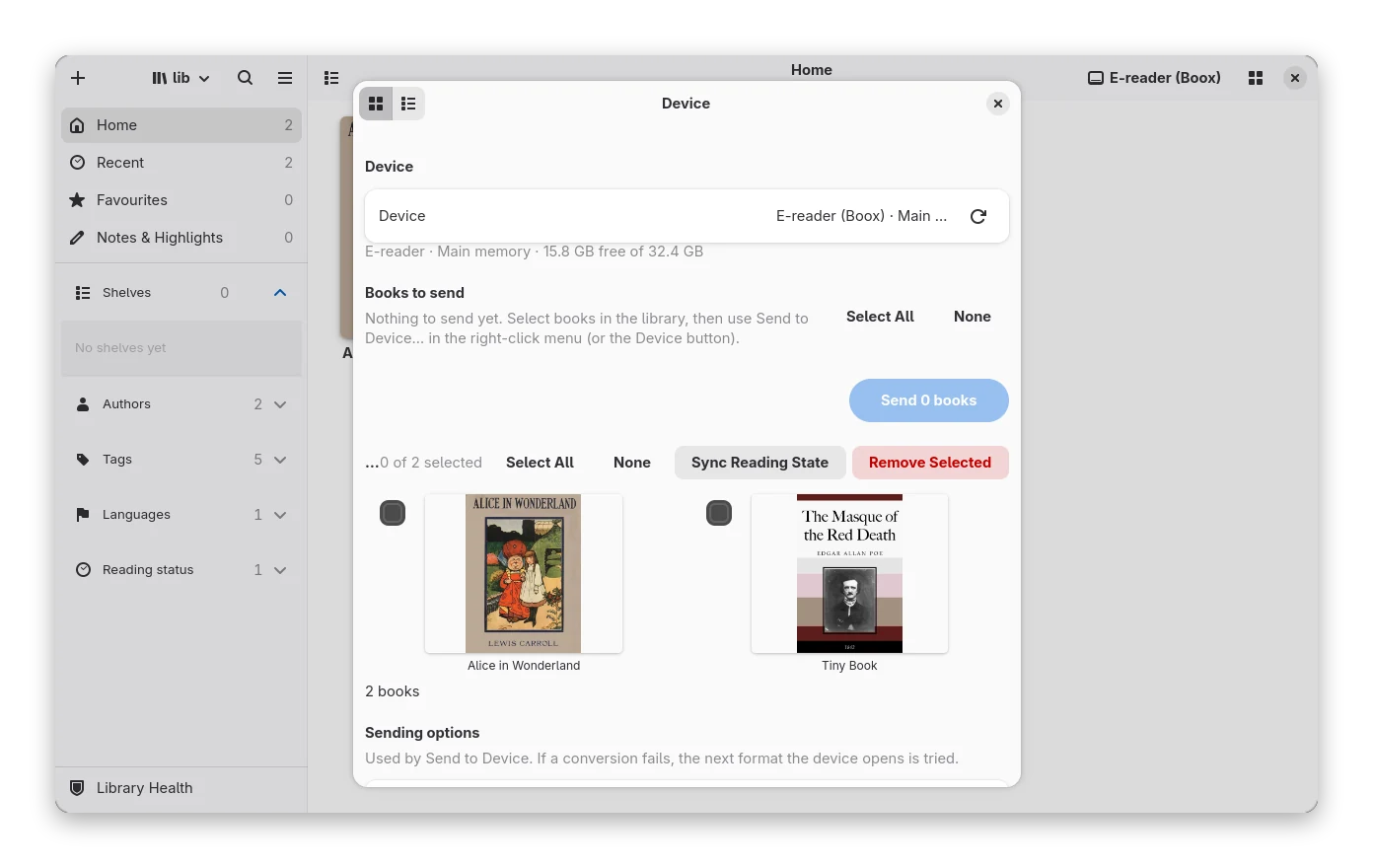
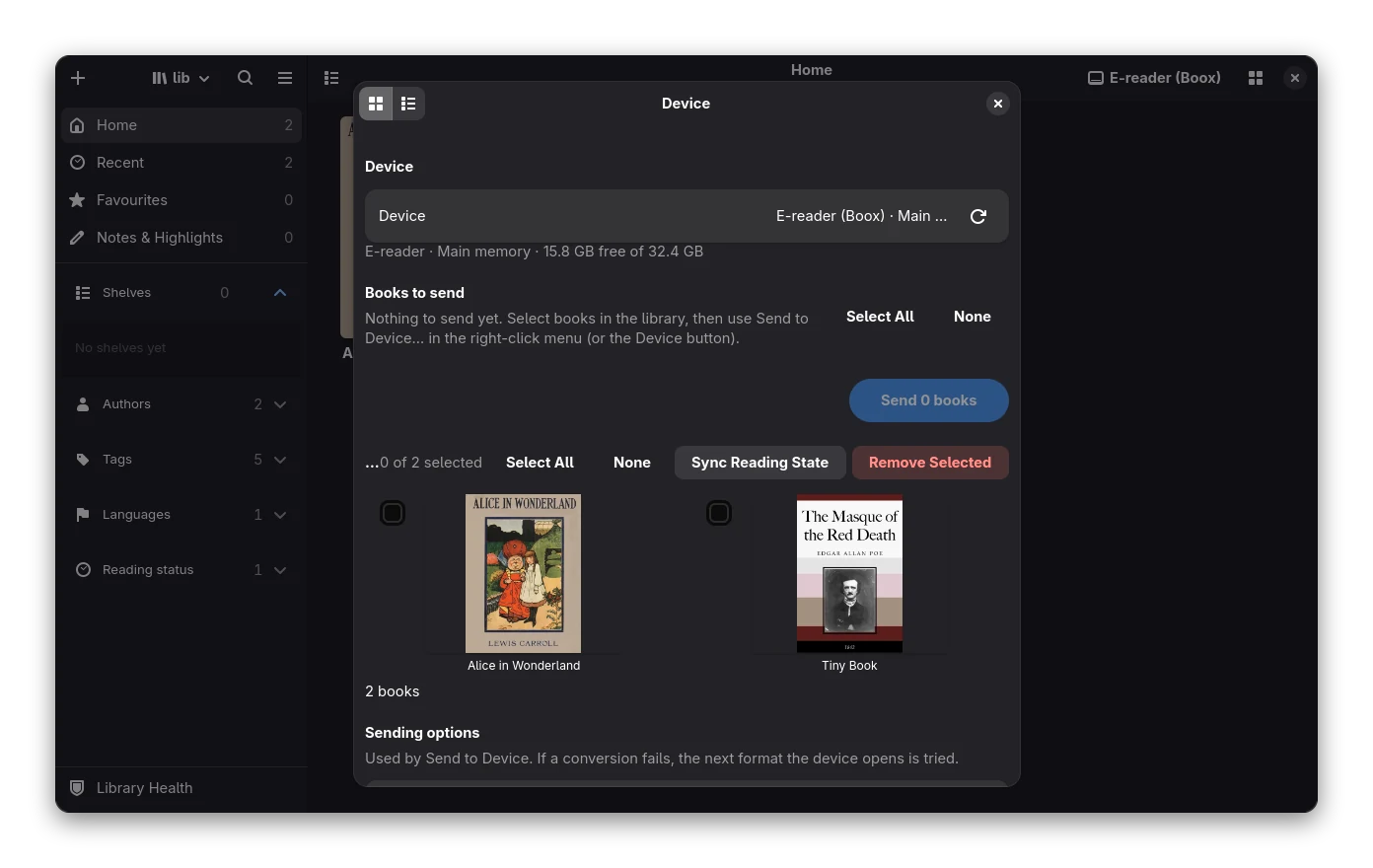
Send books to an e-reader over USB, to a phone, a WebDAV folder or by e-mail, with the right format for the device. Serve the library over OPDS, and keep your reading position in step with KOReader. Device support is new: so far it has been tried on real hardware with one Kobo only.
Everything else
The details that make a library worth keeping.
-
Calibre import
Bring your Calibre library over, keeping the files where they are or copying them in. Getting started
-
Search inside books
A full-text index of your books, built in the background, next to the Calibre search syntax. Search
-
Backups and undo
Catalogue snapshots, restore, a trash and an undo list. Backup and restore
-
Convert
Read many formats, write KEPUB, AZW3, MOBI, FB2 and more, from the app or the command line. Converting
-
Reading progress sync
KOSync-compatible: Bookx can be a server, or talk to one. Progress sync
-
News and web pages
Turn feeds and web pages into books on a schedule. News and Web
-
Plugins and patches
Sandboxed WebAssembly plugins and small regex patches, off until you switch them on. Plugins
-
Command line
bookx-cliconverts, checks, searches and serves without the app. Command line -
Keyboard first
A command palette, customisable shortcuts and a screen-reader-aware reader. Shortcuts, Accessibility
Formats
Everything is converted to EPUB when you add it, and your files stay yours.
Files with copy protection are not converted. PDF is read page by page, with limits. See the full table.
Private and open
No account, no cloud, no tracking. Bookx talks to the internet only when you ask it to: fetching metadata, a dictionary lookup, a news feed, an e-mail. It is free software under the GPL-3.0-or-later, and you can read, change and share the code.
Try Bookx
Build it from source, or use the Flatpak manifest. Prebuilt packages are not published yet.
Community
Questions, bugs and ideas are welcome on GitHub. You can help with translations, plugins or code: see Contributing.